See Tracknotion benefits in action
Insights you should have
TrackNotion's AI-powered Transcription and Call Grading features are essential tools for moving beyond simple call tracking.
They transform raw audio data into actionable business intelligence by providing a written record of every conversation and an indication of its overall tone.
This allows you to rapidly audit service quality, identify sales opportunities, and train your team more effectively.
Here’s what you’ll find in this article:
Do I need to configure this? No manual configuration is required. These features are automatically implemented during your campaign setup.
Every call that passes through a TrackNotion tracking number is automatically converted into a detailed written transcript. Immediately after transcription, the AI analyzes the language to assign a call grade based on the average sentiment in the call, with keywords weighted according to the account settings.
Where do I find these features? You can access these insights directly within your Call Logs:
Calls handled via a TrackNotion tracking number are automatically captured and converted into comprehensive written transcripts.
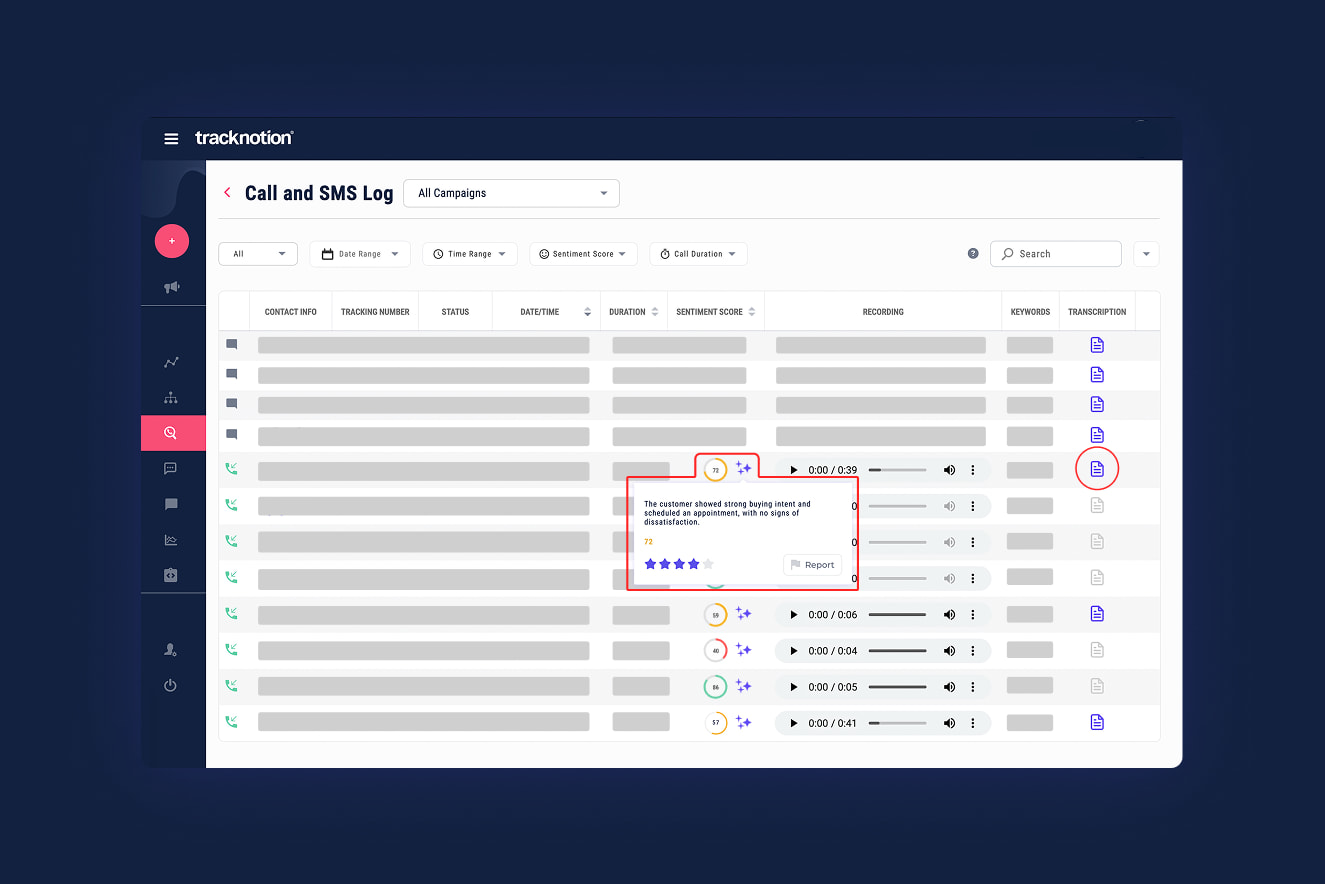
How it Works:
Using advanced AI models, the audio is processed to create an accurate, word-for-word transcript of the call. This process is designed to filter out background noise, often resulting in a transcript that captures more of the conversation than a listener might have heard live on the call.
Key Benefit:
Transcriptions eliminate the need for manual note-taking, allowing managers to quickly search call logs for keywords, product mentions, or specific complaints without listening to hours of audio.
Call Grading is the process of using AI to determine the emotional tone or attitude of the speaker (e.g., the customer) during the call.
How it Works:
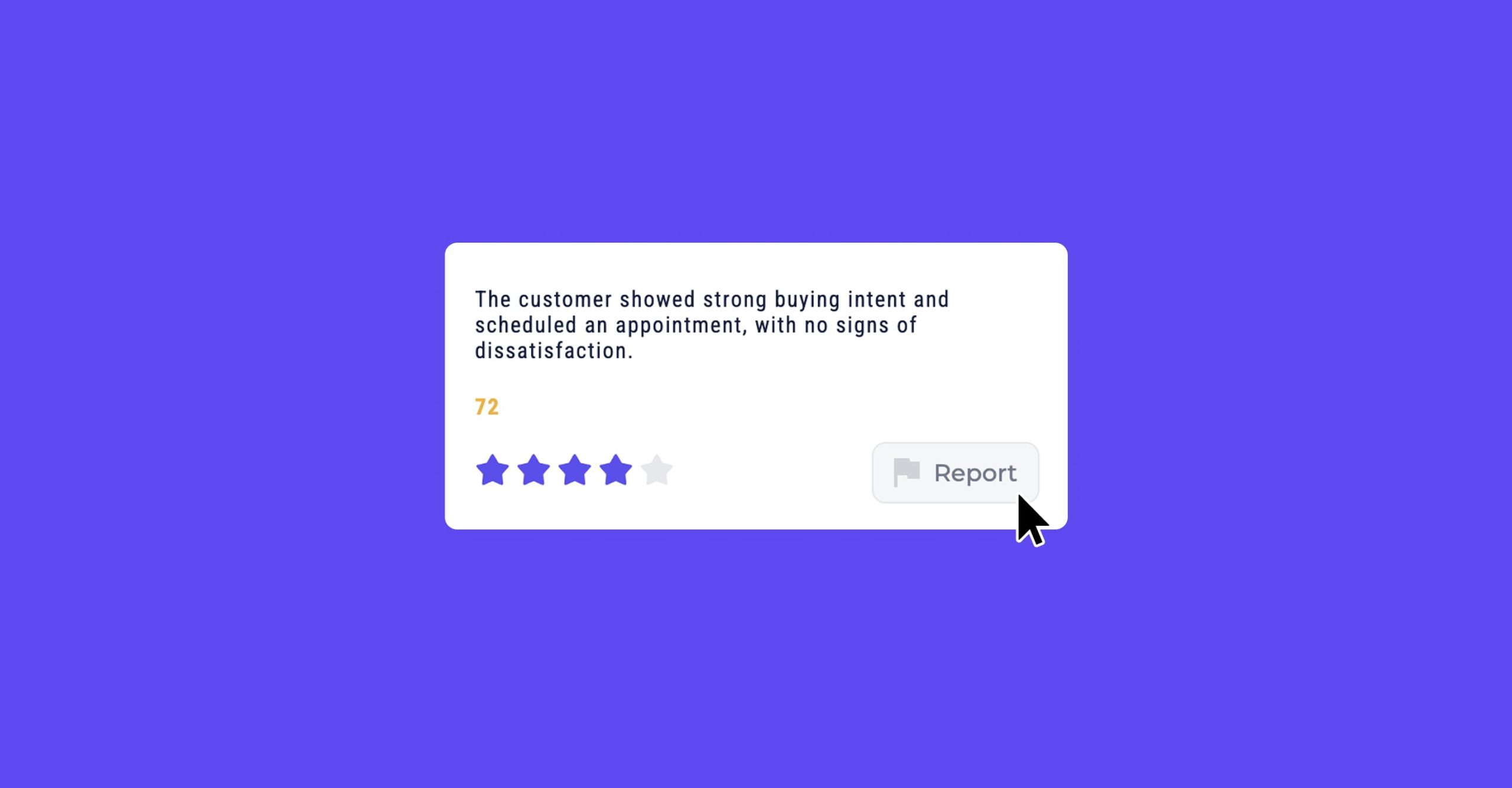
Key Benefit:
This feature provides an immediate, objective gauge of customer satisfaction. You can filter call logs to prioritize follow-up with customers who registered a negative or neutral score, allowing for proactive service recovery. It also lets you immediately spot and act on positive calls, so you can respond quickly to capitalize on opportunities.
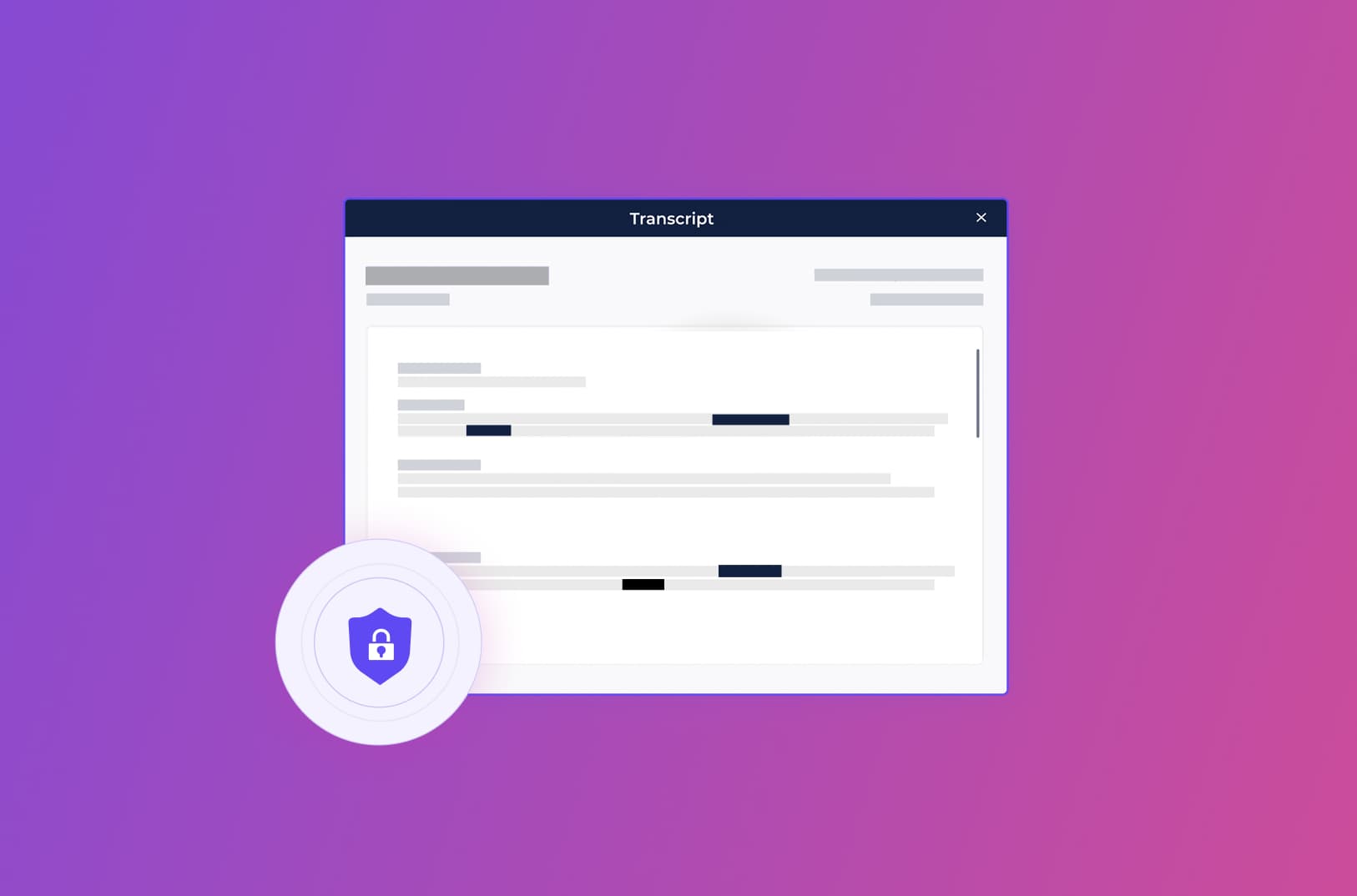
Your customers' data security is paramount. While transcription is running, TrackNotion ensures customer privacy by automatically identifying and removing sensitive information from the written transcript.
What is Removed?
The system is designed to detect and hide details such as:
This process significantly reduces your liability and enhances security.