How to Use Two-Way Text Messaging with Your Customers (Silver Plan Feature)

Two-Way Text Messaging (2-Way SMS) is a powerful feature available exclusively with the TrackNotion Silver Plan. This platform transforms your standard tracking numbers from simple call-forwarding lines into dynamic, interactive communication channels. While the system allows you to respond to messages, the dialogue must always be initiated by the client or customer.


Here’s what you’ll find in this article:

  1. Understanding the Process: How It Works
  2. Sending and Receiving Messages
  3. Receiving and Replying
  4. Common Use Cases
  5. Legal Compliance

Understanding the Process: How It Works

Before you begin, it is helpful to understand the workflow of this feature. TrackNotion allows you to send and receive texts without using a physical cell phone.

  1. The Dashboard is Your Phone: You write and read messages directly inside the TrackNotion web dashboard.
  2. Unified History: Text conversations are stored alongside your call logs. This gives you a complete view of your relationship with the customer, both what was said on the phone and what was typed in text.
  3. Privacy Protection: When you send a message, it comes from your business tracking number. Your personal mobile number is never exposed to the customer.

Sending and Receiving Messages

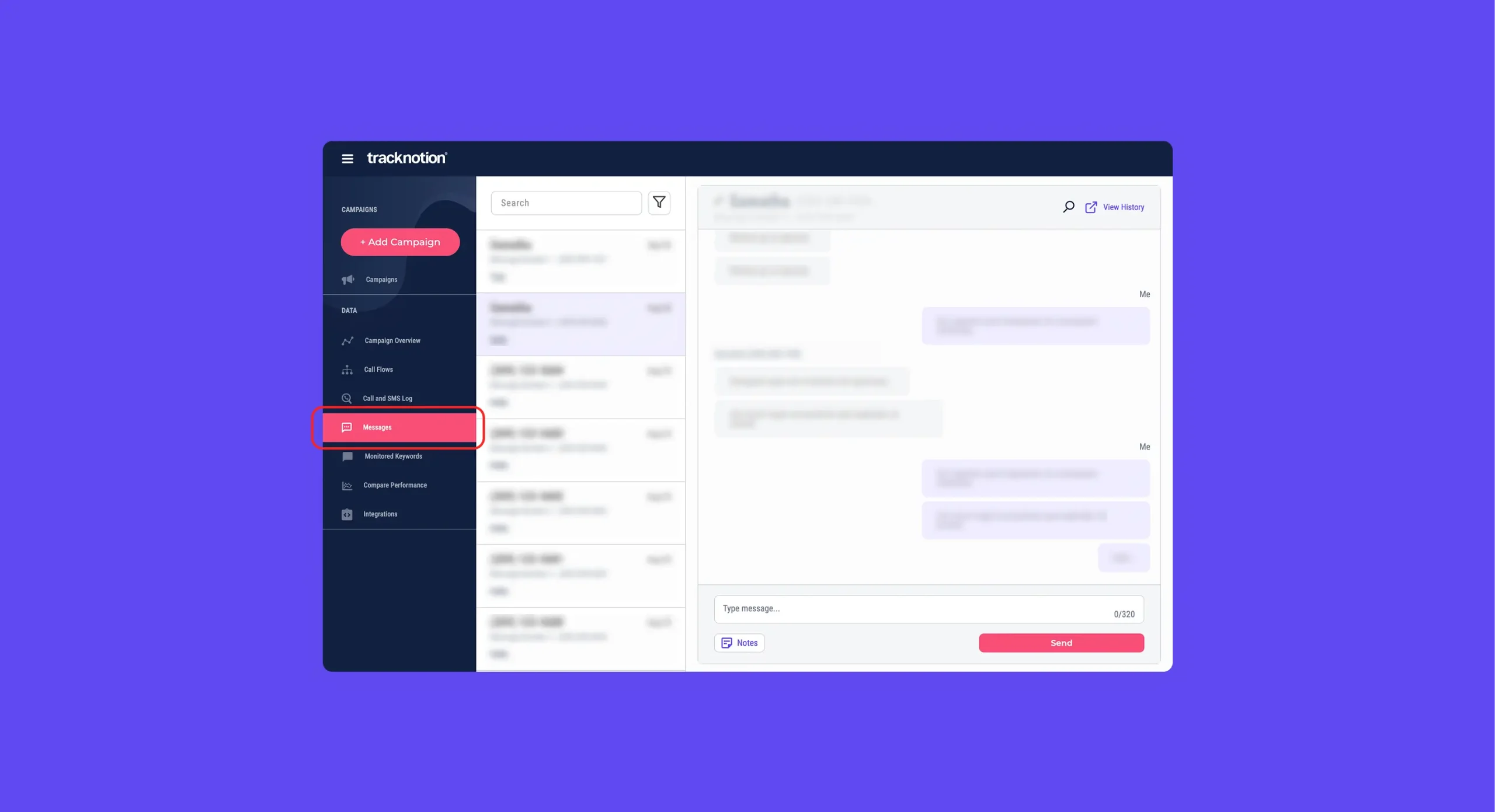
You can manage the entire lifecycle of a conversation from the Messages tab.

Text messaging interface

The Messages tab presents a two-pane view designed for easy management. Use the left pane to search and select from your history of previous conversations. The message thread (or thread view) for the currently selected conversation will then appear in the right pane.


From here, you can select the conversation you wish to continue. You can reply by using the provided message box.

Receiving and Replying

  1. Notifications: When a customer replies, you will receive a notification within the TrackNotion dashboard.
  2. Thread View: Click the notification or the message in your inbox to view the full thread history and type your reply. This allows for real-time, back-and-forth conversation.

Common Use Cases

Using text messaging often results in higher open rates and faster responses than email. Common strategies include:

  • Appointment Management: Sending confirmations, rescheduling alerts, or cancellations.
  • Customer Support: Handling minor troubleshooting or order updates without keeping customers on hold.
  • Feedback: Sending quick surveys or requests for reviews.

Legal Compliance

Text messaging is highly regulated. You must adhere to state and federal laws, including the Telephone Consumer Protection Act (TCPA).

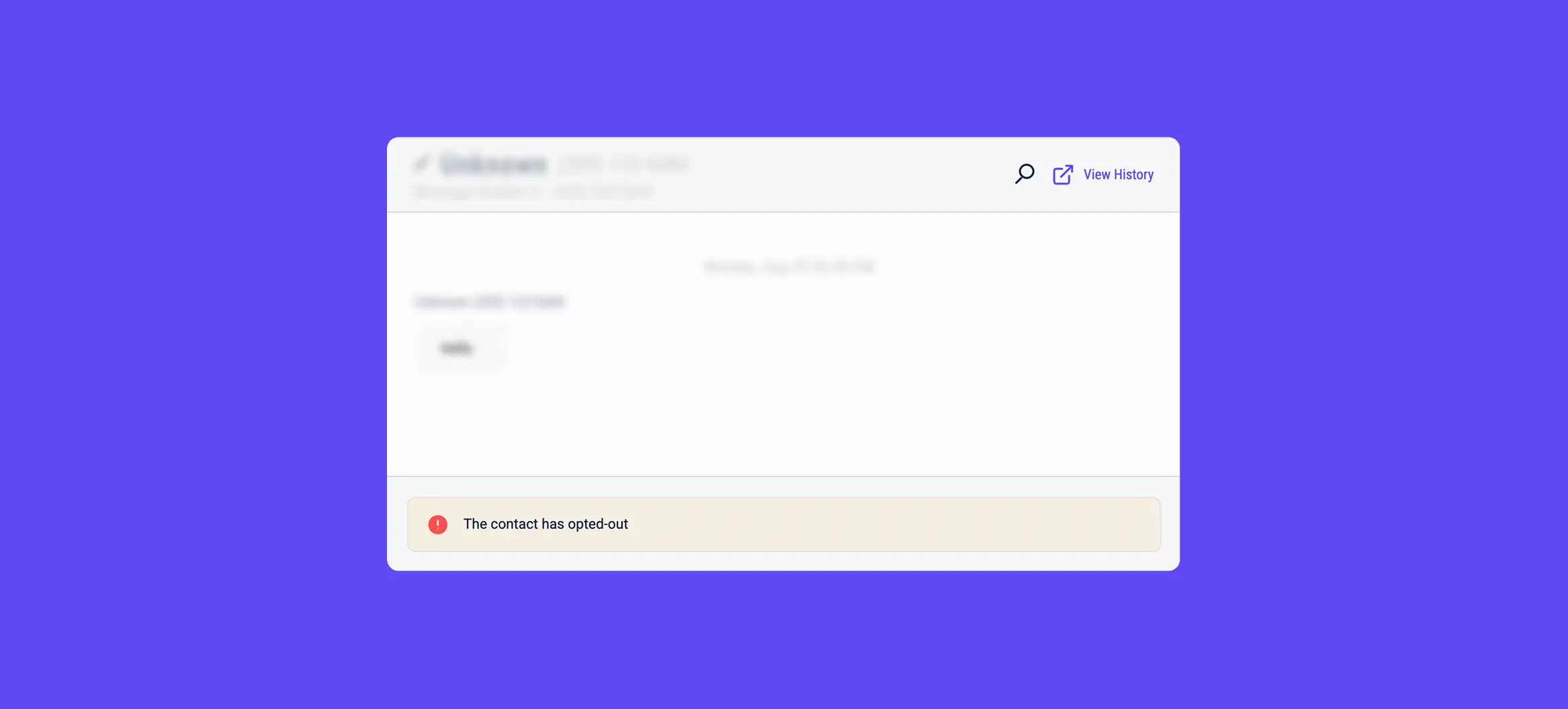
Text Message Opt Out

  • Express Consent (Opt-In): You must obtain express written consent from the customer before sending them marketing or promotional messages.
  • Opt-Out Mechanisms: Every marketing message must include clear instructions on how to stop receiving messages (e.g., replying "STOP").


Disclaimer: We strongly recommend consulting with legal counsel to understand specific consent requirements in your jurisdiction.

No related content available.

See Tracknotion benefits in action

Insights you should have
Need More Support?

Submit a Support Ticket Using the Form Below.